Enlighten Interactive Map
Getting around Enlighten has never been easier! This year, we’re introducing BindiMaps – a fully interactive, accessible digital map of the National Triangle.
• Plan your visit from home with custom directions straight to the festival gates.
• Find your way onsite between projection artworks, food vendors, stages and facilities.
• Explore over 200 points of interest, each with helpful details and images.
• Choose the best route for you – walking, driving, cycling, public transport, or wheelchair-friendly options.
• Available in nine languages, making it easier for visitors from around the world
Use BindiMaps instantly in your phone or computer browser, no download or login required.
Click or search to find what you’re looking for on the map below.
FAQs
No, you can use BindiMaps straight from your phone’s web browser, just like Google Maps.
BindiMaps does not require sign-in or collect personal details. You can use it instantly without creating an account.
Yes. The map is designed to be inclusive and WCAG 2.2 AA compliant, with wheelchair-friendly routes built in.
You can use the Enlighten interactive map in Hindi, Arabic, Mandarin, Punajbi, Cantonese, Nepali, Filipino/Tagalog, Vietnamese and Korean.
There are more than 100 points of interest across The National Triangle – from food stalls, National Cultural Institutions, stages, carparks, shuttle stops and more.
Yes. BindiMaps provides real-time updates such as shuttle bus changes, or accessibility adjustments.
Look for QR codes onsite or visit the link on the Enlighten website. You’ll be directed straight to the map.
Send your comments or suggestions to eventsmarketing@act.gov.au
Getting to Enlighten
Plan your visit with essential information on transport, access and navigating your way to Enlighten.
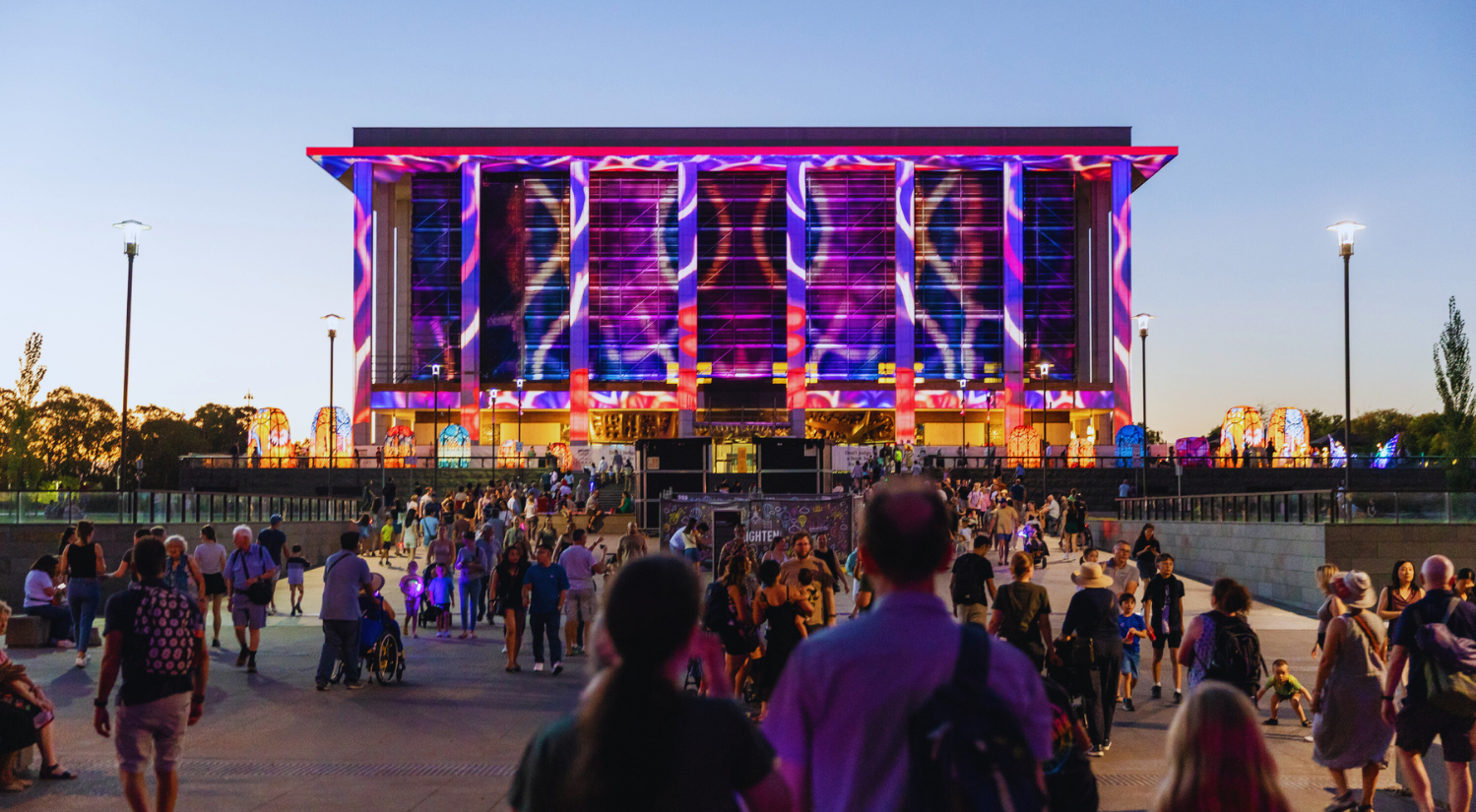

Festival Hub Artworks
Encounter installations and roaming performances throughout the Hub, creating playful, immersive moments to discover as you explore.
Sponsors